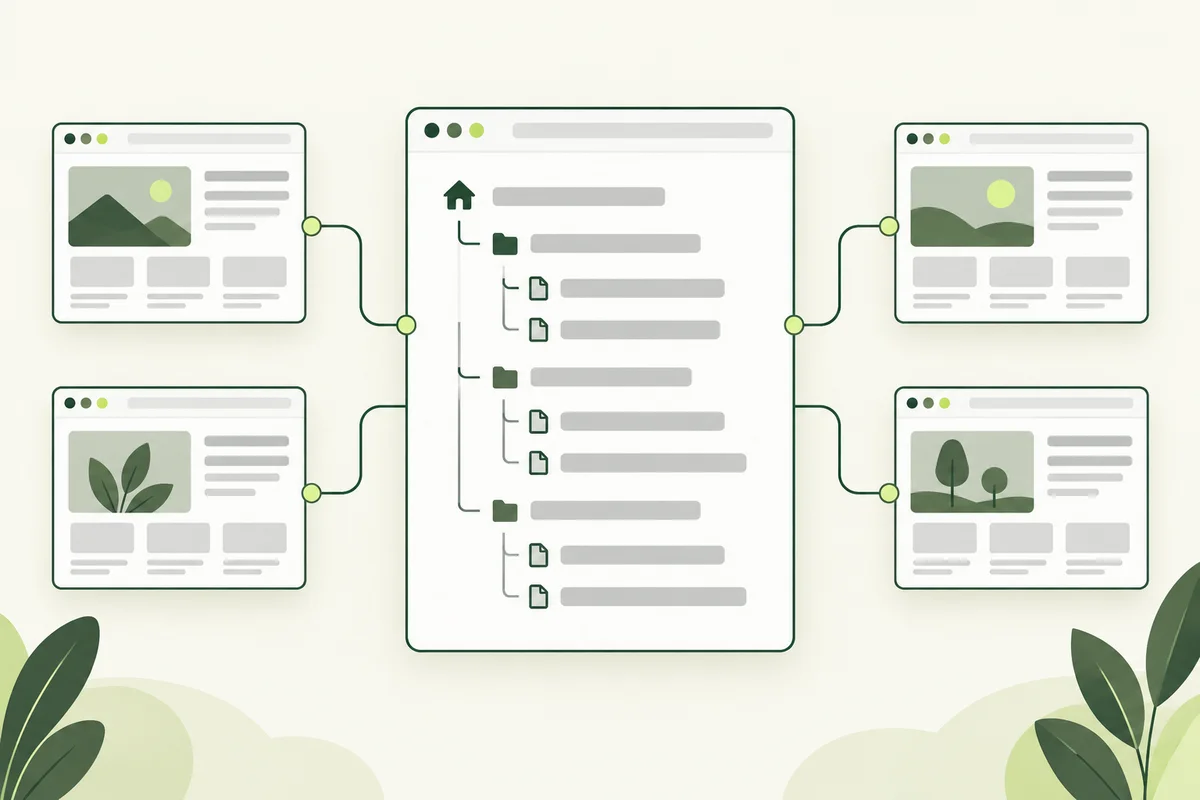
An XML sitemap is a file that lists website addresses for search engines. For a business website, maintaining it comes down to keeping that list aligned with the public pages you want people to find.
It is different from a visitor-facing menu or an HTML page directory. Your navigation should still help people reach important pages. A sitemap supports discovery; it does not replace a coherent website.
Know what a sitemap can do
Google describes sitemaps as a way to provide information about pages and other content. They can be helpful when a site is new, large or contains content that is harder to discover through links. Submission does not guarantee that every listed URL will be crawled or indexed. See Google’s sitemap overview.
That limit matters when diagnosing a missing page. Listing an address and resolving an indexing problem are not the same task. Our crawling versus indexing guide explains the difference.
Build the list from intended public pages
Review your service pages, useful articles and other content intended for search. Prefer the current, canonical address for each page. Do not automatically include every file in the hosting directory: scripts, internal review pages and form confirmation screens have different purposes.
For example, a consultant’s public service guide belongs in their search content inventory. A private draft review page does not become suitable merely because it opens in a browser. Decide the page’s role before adding its URL.
Keep a small publishing checklist
- Confirm the new page is available at its final public URL.
- Check that its intended canonical URL matches the address being listed.
- Confirm the page is intended to be indexable.
- Add an appropriate internal link from an existing page.
- Update the sitemap as part of the same publishing change.
When a page moves, review both the old address and the replacement. Update the sitemap to the intended destination and check the website’s internal links. Do not retain obsolete URLs simply to make the list longer.
Separate page and image checks
If your publishing workflow also creates an image sitemap, verify the image URLs against the actual files on the live site. An image entry pointing to a missing upload cannot repair the missing image. Our image SEO guide covers the preparation work before publishing.
Keep source artwork and internal planning files outside the public upload directory. The sitemap should describe the intended website, not expose your working folder.
Review the live file after uploading
Open the sitemap’s live address and check it is the expected file rather than an error page. In Search Console, review submission and processing information. If a problem is reported, record the exact message and the affected file for your developer.
Make one team member responsible for this step. A simple release record listing the new pages, removed pages and sitemap update date is enough for many small sites. Consistent maintenance is more useful than repeatedly submitting an unchanged list.