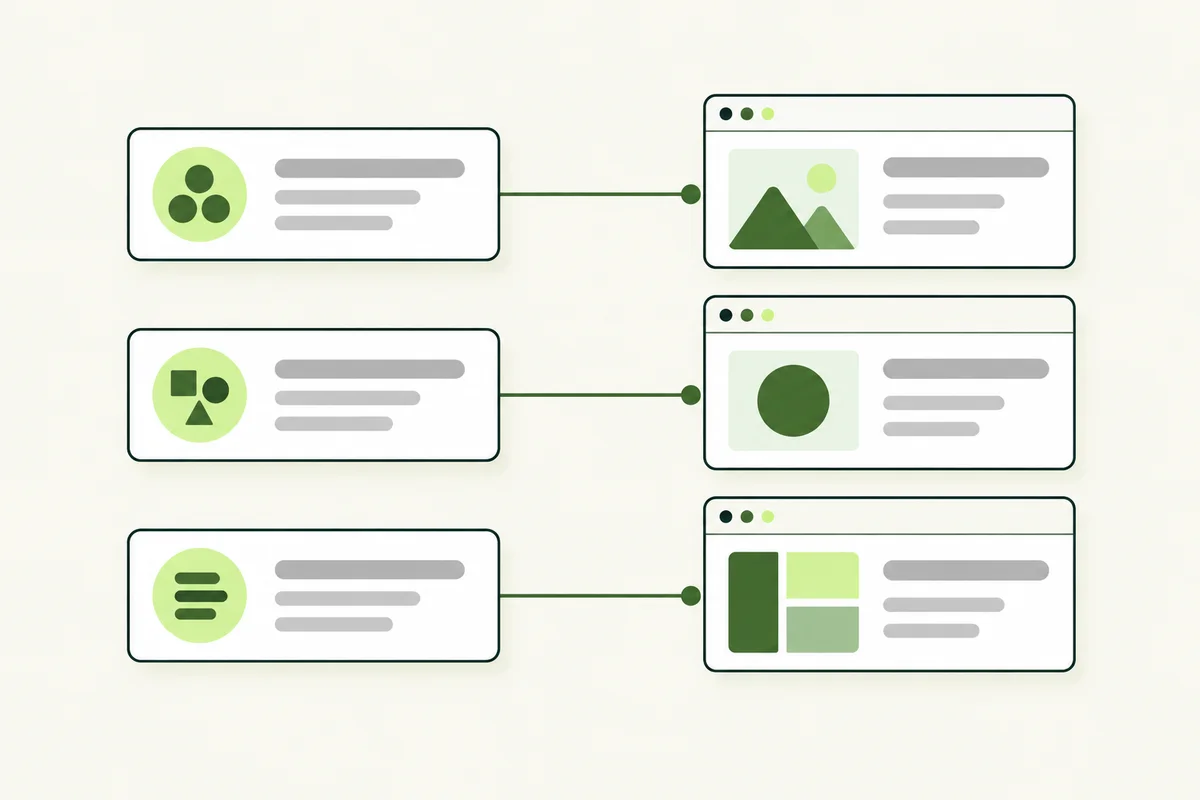
A keyword list becomes useful when you know which page should answer each search. SEO keyword mapping connects groups of related phrases to specific pages, giving every service page and guide a clear job.
A service name can naturally appear on several pages. Give each page its own purpose rather than trying to prevent every repeated word.
Begin with the pages you already have
List the live URLs for your homepage, services, products, pricing, guides and contact page. Give each a one-sentence description of its current job. Include pages that perform poorly; a map is more useful when it represents the actual website rather than only the pages you like.
Then bring in the topic groups from your keyword research. Before assigning a group, identify the searcher's intended task. A page should own a topic because it can satisfy that task, not because its URL happens to contain the phrase.
Use a small, practical set of columns
- URL: the existing or proposed destination.
- Primary topic: a representative keyword for the page's main purpose.
- Related phrases: close variations that support the same answer.
- Intent: learning, navigating, comparing or taking action.
- Page role: service page, guide, pricing page or another suitable format.
- Action: keep, improve, create or review for consolidation.
Add a brief scope note when two topics are close. For example, “find possible keywords” and “assign researched keywords to pages” keeps a research article separate from this mapping article.
A simple service-business example
Imagine an office-cleaning company. Its main service page explains the cleaning work it offers. A pricing page, if the business has enough distinct pricing information, explains packages and quotation factors. A guide about preparing an office for a cleaning visit answers a practical question before the appointment.
All three can mention office cleaning. They should not all use the same title, opening paragraph and sales pitch. If a separate pricing page would only repeat two sentences from the service page, keep that information together rather than creating an unnecessary URL.
Do not create one page for every variation
“Office cleaning service” and “office cleaning services” will usually belong in the same topic group. Reordering those words does not automatically create a new customer need. Location pages also need a genuine reason to exist, such as distinct coverage or useful local details, rather than copied content with a different place name.
Google's SEO Starter Guide explains that its language matching can connect pages with related queries without every exact variation being written out. Write a complete answer to the topic instead of forcing repetitive phrases into the page.
Investigate overlap before deleting anything
Two pages appearing for related searches are not automatically a problem. They may answer different stages of a customer's decision. Review their content and query/page performance before making changes.
If two pages actually fulfil the same purpose, choose the stronger destination and assess whether combining their useful material makes sense. Check incoming links and existing visitors before retiring a URL. A permanent redirect should lead to a relevant replacement; it should not simply send every unwanted page to the homepage.
Use the map during writing and maintenance
Write the page title around its assigned task, then check the main heading and opening for consistency. Our title tag guide covers that writing step. Link to other pages when readers need a related answer rather than repeating entire sections.
Review the map when adding services, publishing articles or redesigning the site. Record why a page exists and what it should avoid covering in depth. That small habit makes future decisions easier and reduces accidental duplication as your website grows.