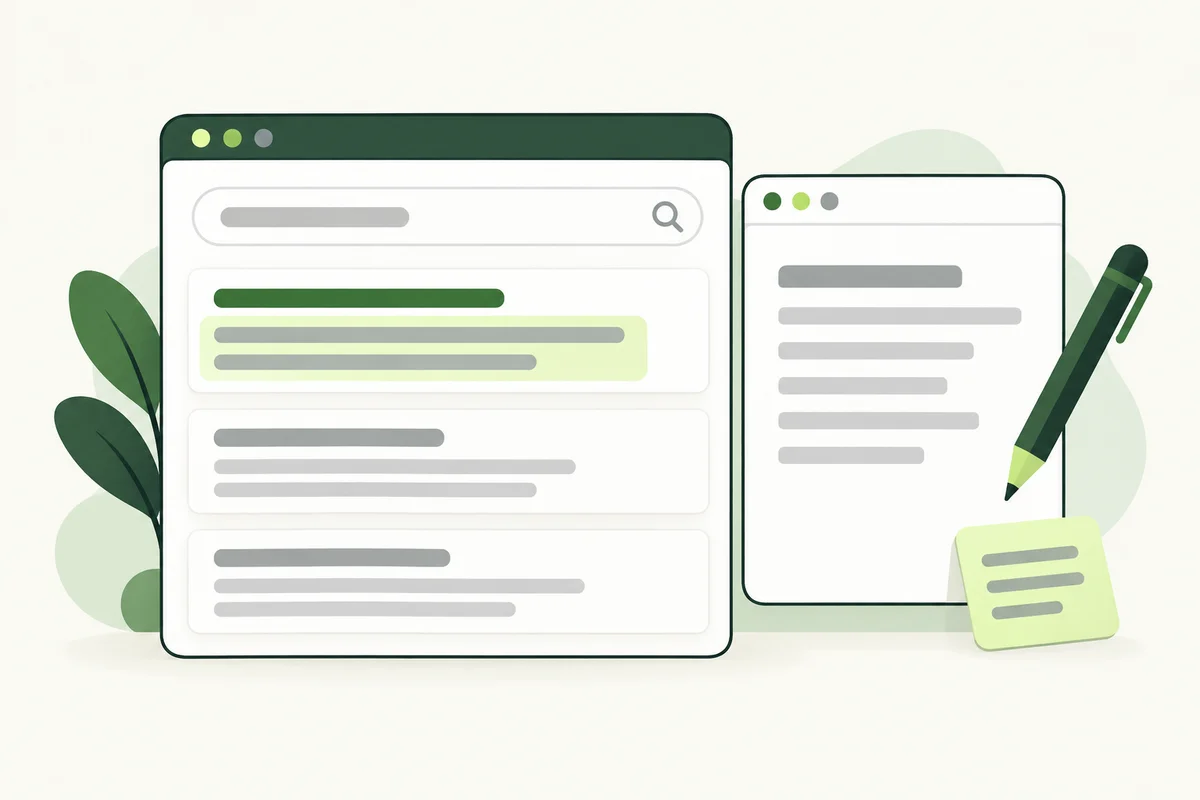
A meta description gives you space to explain a page in a sentence or two. Think of a customer asking, “What will I find here?” Name the subject, include a useful detail and make sure the page delivers what the summary promises.
This guide focuses on that summary. The clickable title has a different job; our guide to SEO title tags explains how to write it.
Understand what you can control
Google may use your meta description for a search snippet, but it can also select text from the page. Different searches may produce different snippets. There is no fixed description length that guarantees the full wording will appear on every device. Google’s snippet documentation explains this distinction.
Write an accurate summary even when the displayed snippet is outside your control. It is a practical editing exercise: if you cannot summarise the page clearly, its purpose may need attention.
Choose details that help a real customer
For a service page, list the service, the audience or area served, and one useful next step. For an article, name the question it answers and the kind of help it provides. A product page may need a specific model, application or material. Use details that distinguish the page from others on your website.
Imagine a company offering office carpet cleaning in Petaling Jaya. “Professional services at great prices” says little. A more useful summary would be: “Explore office carpet cleaning in Petaling Jaya, including site assessment and preparation advice. Send your floor area to request a quotation.” This wording only fits if those details are actually available on the page.
Draft from the content, then shorten
- Read the page and write its main purpose in one sentence.
- Add the detail a suitable customer would need before clicking.
- Remove slogans, repeated phrases and claims you cannot substantiate.
- Check that the first part remains meaningful if the ending is shortened.
- Read the description aloud to catch awkward keyword repetition.
A preview tool can help with presentation, but do not replace a clear explanation with clipped wording simply to satisfy a colour indicator. Keep the most useful information early and remove anything the page does not support.
Give each page its own summary
A pricing page should explain pricing information. A preparation guide should explain the preparation task. Copying a company introduction into both makes the difference harder to understand. Refer to your keyword map when related pages seem to need the same description.
Distinct summaries do not require avoiding every repeated word. Your brand or service may appear naturally on several pages. What matters is the purpose and information promised by each summary.
Review descriptions when the page changes
Add a metadata check to your normal content update process. If coverage, pricing or availability changes, review the summary at the same time. Keep a simple record of the URL, previous description, replacement and edit date so another team member can understand the change.
When reviewing performance later, consider search position and the mix of queries alongside clicks. A description rewrite alone does not explain every change. Start with whether the wording is accurate and useful, then evaluate results with that wider context.