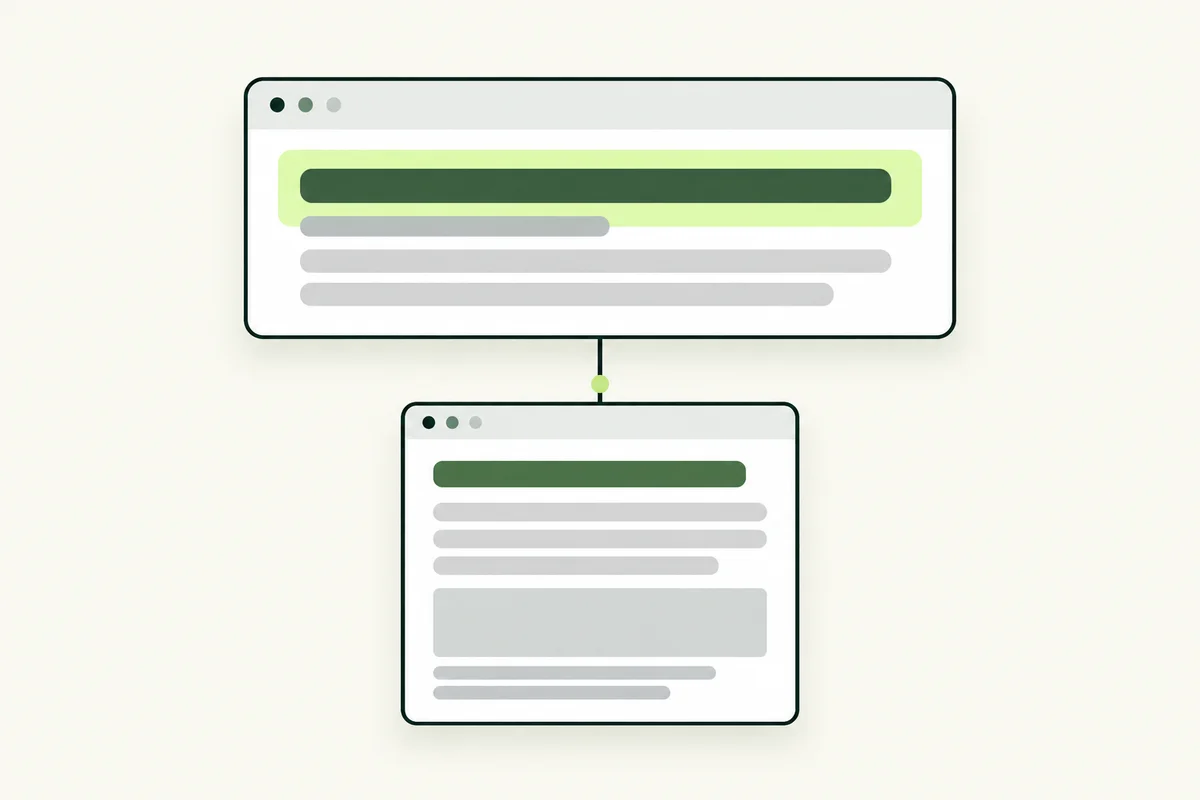
Your title tag is often a customer’s first introduction to a page. It appears in the browser tab and is one source Google can use for the clickable title in search results. Good wording tells people what the page offers before they open it.
The writing task is simple to state: describe this specific page accurately, using the words a suitable visitor would recognise. The challenge is choosing what to leave out.
Title tag, H1 and search title are different
The title tag belongs in the page's HTML head. The H1 is the main heading visitors see in the content. Google's title link is the clickable wording shown in a search result; it may differ from the title tag.
Google's title-link guidance explains that it can use several signals, including page titles, prominent headings and link text. Keep the title and visible heading consistent in meaning, even if their wording is not identical.
Start with the page's specific job
Before writing a title, complete this sentence: “This page helps a visitor…” A service page may help them understand a particular service and request a quote. A guide may explain how to prepare for that service. Those pages need different titles because they answer different questions.
If you cannot describe the page's job clearly, revisit your keyword map. Adding more keywords to the title will not resolve an unfocused page.
Use a clear topic and a useful qualifier
A service title can combine the actual service, a meaningful location or audience, and a short brand name. A guide title can state the question or task it answers. These are writing patterns, not mandatory formulas.
- Service example: “Office Carpet Cleaning in Petaling Jaya | Example Co”.
- Guide example: “How to Prepare Your Office for Carpet Cleaning | Example Co”.
- Comparison example: “Steam vs Dry Carpet Cleaning: Which Fits Your Office?”.
These are sample titles. Only include a location, speciality or offer if the page and business actually support it. Do not claim to be the best, cheapest or guaranteed to deliver a result without a defensible basis.
Remove repetition before chasing a character count
A title such as “Office Cleaning, Office Cleaners, Cleaning Office Service” uses space without explaining a different benefit. Choose the clearest phrase, then add information that helps the visitor distinguish the page.
Google does not specify a fixed title-tag character limit; displayed titles can be shortened to fit the available space. A preview tool can help you assess readability, but a green length indicator is not proof that a title is useful or that Google will display it unchanged.
Give related pages actually different titles
Changing only a location word while keeping near-identical content can leave visitors uncertain about the difference. Review the page itself before deciding that a new title solves the problem. Use separate titles for separate services, guides and comparisons where the underlying content supports that distinction.
Brand wording can repeat consistently across the site. The descriptive part should identify the individual page. Avoid putting a long slogan into every title if it hides the subject people came to find.
Check implementation and evaluate carefully
- Confirm that the page has one intended title tag.
- Check that the H1 and first paragraph deliver the same promise.
- Remove outdated years, prices or offers that no longer apply.
- Compare with nearby pages for duplicated purpose, not just duplicated words.
- Record the change date so later comparisons have context.
After Google recrawls the page, review relevant query and page performance. A change in click-through rate can also reflect position, competing results or a different mix of searches. Do not attribute every increase or decrease to the title alone.
For the planning work behind a title, read our guides to search intent and keyword research for Malaysian SMEs. A clear title works best when the page underneath provides a useful answer.