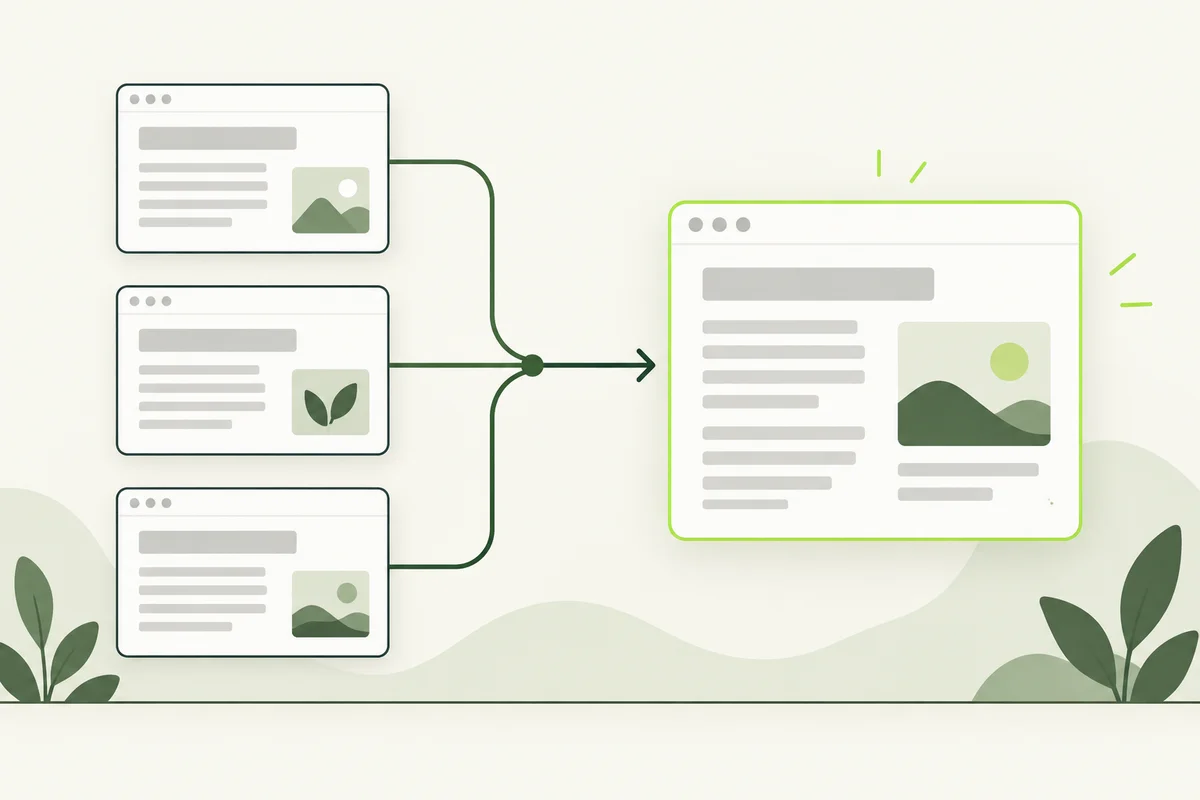
Sometimes the same page can open at more than one address. A product URL with a tracking parameter is a common example. A canonical URL identifies the preferred version, helping you keep links and website settings consistent.
First, list the different addresses and decide which one should represent the page. Your developer can then check how the site communicates that choice.
Start with a concrete example
Imagine a product page available at both a simple product URL and the same address with a campaign parameter attached. Both show the same product information. Keeping a preferred version helps make your linking and publishing decisions consistent.
This is different from two actually distinct products or services. Similar page templates do not automatically make the underlying content duplicates. Review the information and purpose before grouping pages together.
A canonical tag communicates a preference
A rel=canonical link can identify the preferred page. Google treats canonicalisation signals as signals rather than an absolute instruction and may select a different version. Redirects and sitemap inclusion can also contribute to canonicalisation. Google’s canonical URL guidance explains the methods and their relative strength.
Do not assume a tag makes every other version disappear immediately. Check the published implementation and the search engine’s reported selection when investigating a specific URL.
Canonical tags and redirects serve different jobs
A canonical tag can leave a page accessible while signalling the preferred version. A redirect sends a request to another address. If you permanently move a page and want visitors to arrive at the replacement, discuss a redirect with your developer rather than treating a canonical tag as a substitute.
Write down the desired visitor behaviour first: should both versions remain available, or should one address lead to another? That question makes the technical decision easier to explain.
Look for conflicting signals
- Check the canonical address points to the intended live page.
- Compare it with the URL used in internal links.
- Check the address listed in the XML sitemap.
- Look for an old domain or staging address copied into a template.
- Review redirects that send visitors somewhere different from the intended preference.
A common maintenance risk is copying a page template without updating its page-specific values. Include canonical checks when adding a new service page or moving from a preview environment to the live domain.
Do not use canonical tags to avoid content decisions
If two guides overlap heavily, decide whether they should be combined, differentiated or retired. A tag does not explain their purpose to a visitor. Your keyword map should still give each useful page a clear role.
When seeking help, provide both URLs, what each page shows and which version you want visitors to use. Record any change date. Then review the result through the relevant Search Console inspection information, allowing for processing time. Keep indexing and ranking questions separate from the task of choosing a consistent page address.