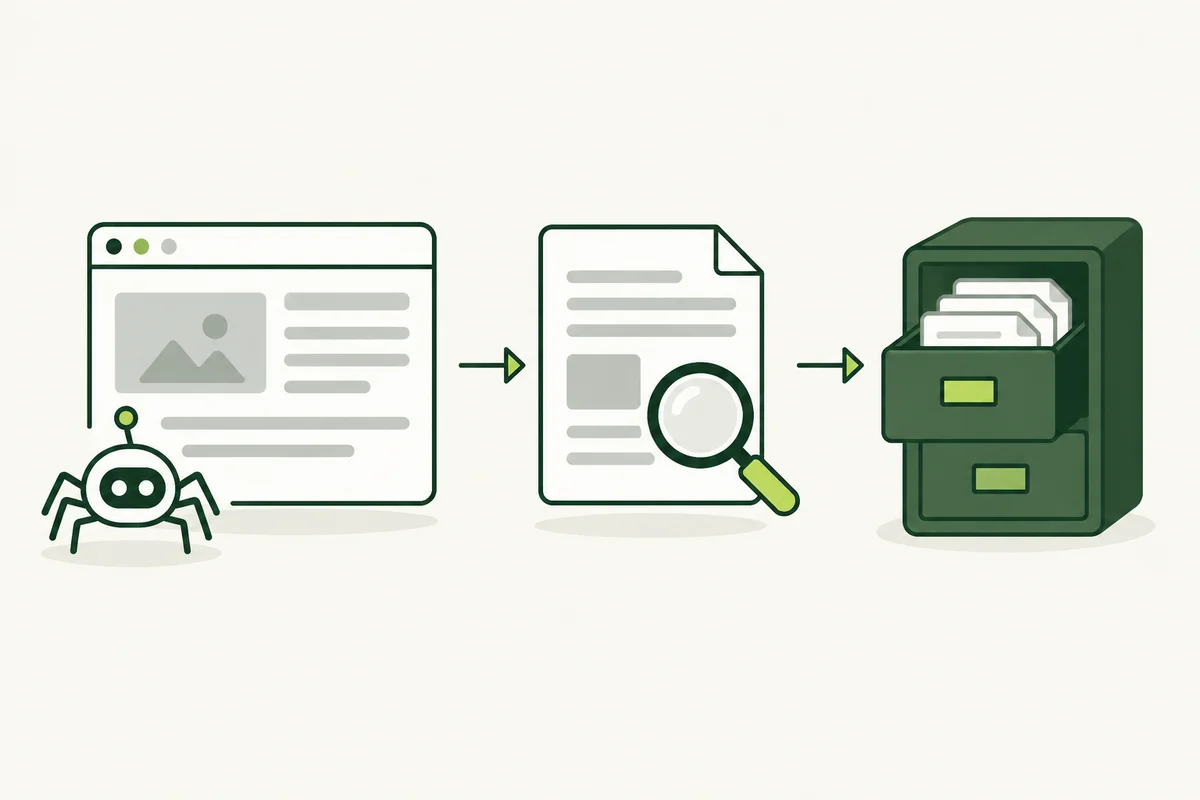
You have published a page and can open it in your browser, but you cannot find it in Google. That does not necessarily mean something is broken. Accessing a page, crawling it and including it in a search index are separate steps.
When a newly published service page seems absent from search, begin with the exact URL. Avoid changing several settings at once or assuming that publishing another backlink will resolve the underlying issue.
Crawling means fetching the page
Search engines discover URLs through sources such as links and sitemaps. Crawling is the process of requesting a page and accessing its content. A crawler may encounter a working page, a redirect, an error or an access restriction.
Indexing means processing content for the index
After crawling, Google analyses the content and decides how to handle it in its index. A fetched page is not automatically indexed. Being indexed also does not guarantee that the page will appear for your preferred search terms. Google’s explanation of how Search works separates crawling, indexing and serving results.
Record the exact situation
Before asking your developer for help, collect the page URL, publication date and any recent changes. Note whether you are checking a new page, a replacement URL or a page that previously received search traffic. Those situations can require different investigations.
For a site you manage, review the URL in Google Search Console. Record the reported status and explanation rather than relying only on a manual search. Share the wording with the person maintaining the website so the next step responds to the actual finding.
Check access and discovery
- Open the exact URL without a signed-in customer or administrator session.
- Confirm that the address shows the intended content rather than an error or unexpected redirect.
- Check that an appropriate page on your website links to it.
- Confirm the published URL appears in the intended sitemap.
- Ask your developer to inspect crawler restrictions and indexing directives if the report points to them.
A useful internal link also helps people discover the content. Treat discovery as part of the website’s normal navigation, not merely as a submission task for search engines.
Check whether the page adds something distinct
If several pages answer almost the same question, review their purpose and content. A location name swapped into otherwise identical copy may offer little useful difference. Compare the new page against existing content and your keyword map before deciding whether it needs expansion, consolidation or a clearer role.
Technical access and useful content are separate considerations. Fixing an access problem lets the next stage become possible; it does not prove that every other issue has been resolved.
Keep a record after making a fix
Write down the specific change and date, then use the relevant inspection or validation option available in Search Console. Allow time for the reported state to update. Repeated submissions are not a substitute for addressing the reason shown in the report.
The same distinction matters when reviewing external placements: a published backlink URL is evidence of delivery, not automatic proof of indexing. Our backlink report guide explains how to keep those checks separate.