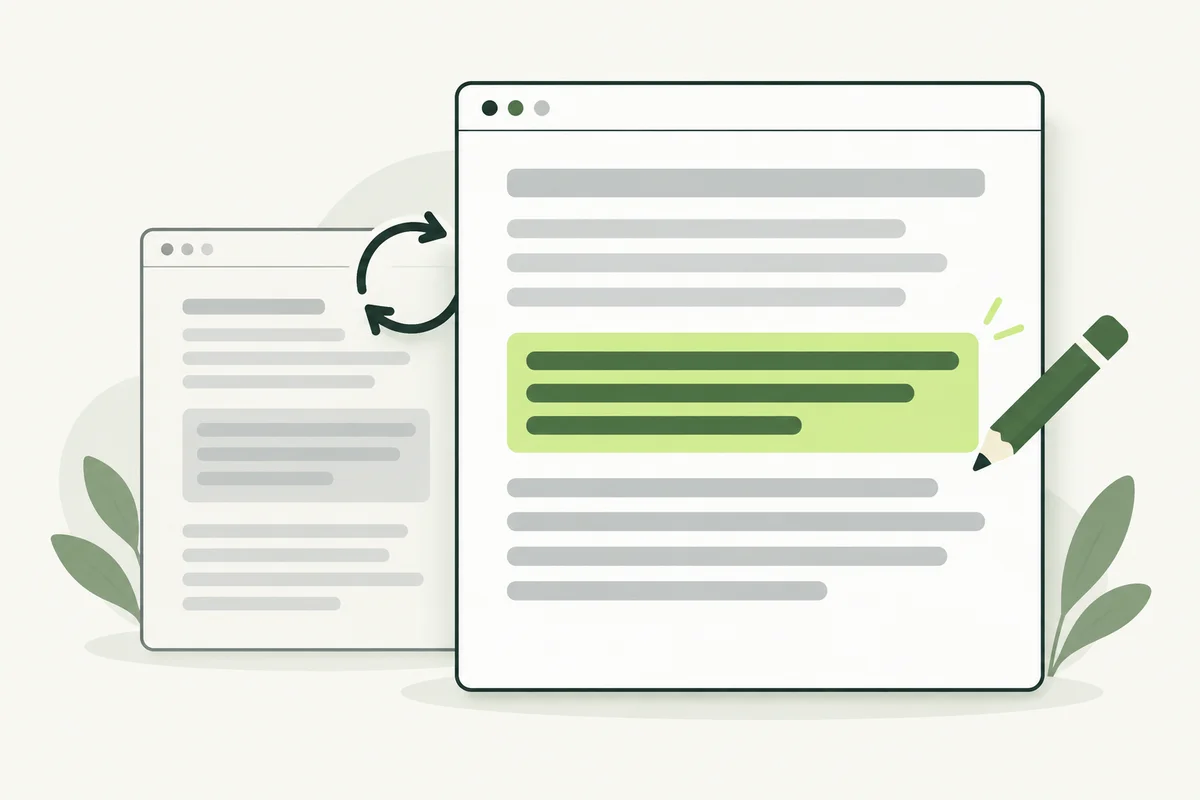
An older page may still be useful, but its prices, instructions or examples might need attention. A content refresh corrects those details and fills gaps that matter to readers. Start with what has changed, then decide what needs editing.
Begin with a specific reason for the update. That makes it easier to judge whether the change helps the reader and to avoid editing useful information simply because it is old.
Choose pages with a clear need
Review pages affected by changes to your services, coverage, processes or product range. Listen for questions your team repeatedly answers because the website leaves something unclear. Also inspect important pages whose search or enquiry patterns have changed, while checking for technical and tracking issues before assuming the copy is responsible.
A maintenance company might need to update a guide after changing its appointment preparation process. That is a concrete reason to revise the instructions, even if the article still receives visits.
Audit facts before adding length
- Check prices, availability and service areas against current business information.
- Open cited sources and links to confirm they still support the text.
- Review screenshots and images for outdated interfaces or products.
- Identify questions that the page promises to answer but leaves unresolved.
- Mark useful explanations that should remain.
More words are not automatically an improvement. A shorter instruction with a concrete example may solve the reader’s problem better than several new introductory paragraphs.
Preserve the page’s purpose
Check the page’s role in your keyword map. A preparation guide should not become a broad service directory just because additional keywords are available. If the proposed material answers a different question, decide whether a separate page and a useful internal link would make more sense.
Read related guides before expanding the article. This helps avoid publishing the same explanation in several places and makes it easier to direct readers to the most complete answer.
Make the update verifiable
Keep a short change record: the reason, the information corrected, the person who checked the facts and the update date. When displaying a revised date, tie it to a meaningful content change. Google’s helpful-content guidance cautions against changing dates simply to make pages seem fresh.
If a change is minor, such as fixing punctuation, avoid presenting it as a major new edition. Dates should help readers understand the material rather than manufacture a sense of recency.
Check the whole page before publishing
Review the title and meta description against the revised content. Confirm that images, captions and calls to action still fit. Follow internal links to check the next page in the journey, especially when a service has been renamed or replaced.
Keep the established URL when the page still serves the same purpose, unless there is a clear reason to move it. If it must move, ask your developer to plan the transition rather than leaving old links unresolved.
Evaluate after the change
Record the publication of the revision, then review appropriate search and enquiry trends over time. Our SEO measurement guide explains how to compare those observations. The immediate success criterion is that the page is more accurate and useful; a ranking improvement is not guaranteed by a refresh.