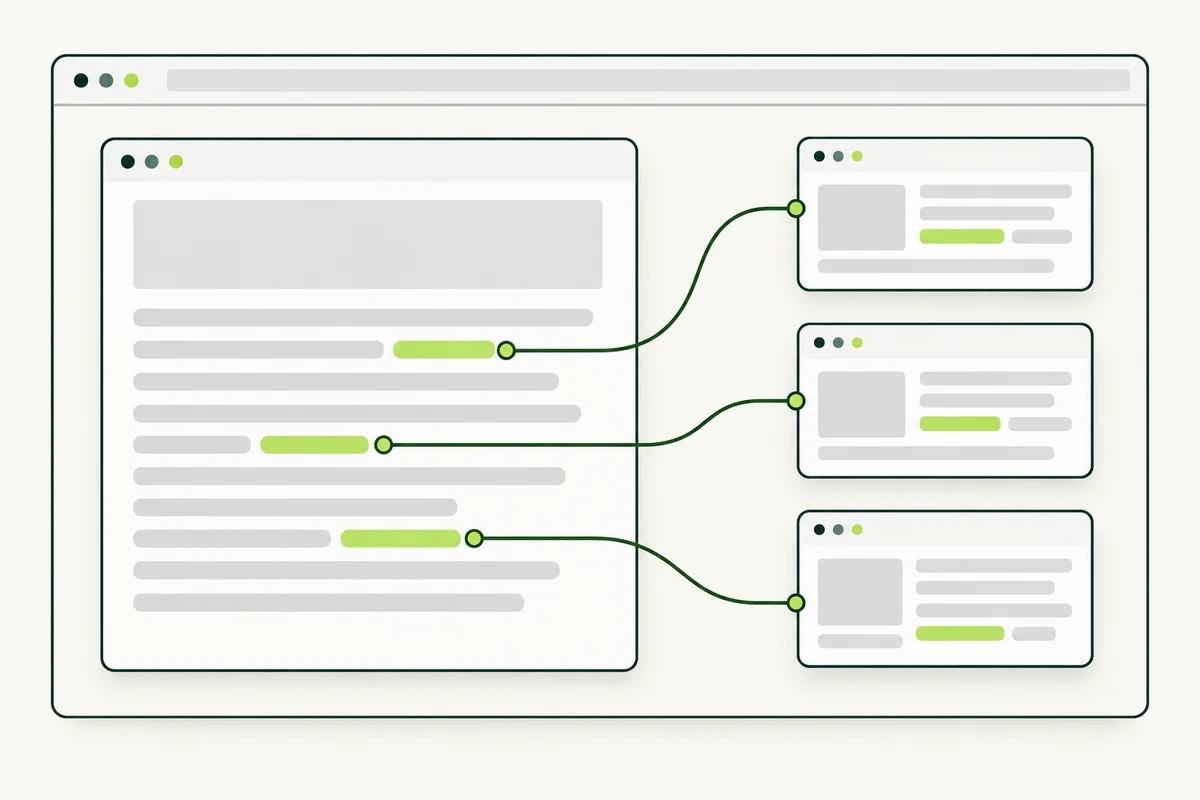
Visitors rarely find everything they need on one page. An internal link takes them to another page on your website—for example, from a service explanation to your pricing, or from a short answer to a detailed guide.
This differs from an article backlink from another website. You control your internal pages and can review their connections whenever your services or content change.
Start with the visitor’s next question
Read a page as someone unfamiliar with your business. After the introduction, what information would they need next? They might want to compare plans, understand a technical term, view preparation instructions or make an enquiry. Link to the page that answers that question, close to the point where it becomes relevant.
For example, a equipment supplier could link from a maintenance guide to a page explaining the supported equipment types. Sending every reader directly to the contact form would skip information some people need before enquiring.
Choose destinations before writing link text
Make a small working list with three columns: source page, next question and destination page. Use the list to find helpful connections. If there is no useful destination, consider whether the answer belongs on the current page before creating another one.
Your SEO keyword map can help identify the page responsible for each topic. Use that page consistently where it fits, rather than sending readers to whichever URL happens to be easiest to remember.
Describe what the link leads to
Link text such as “monthly plan comparison” gives more context than “click here”. Keep it natural within the sentence. Google’s link guidance recommends meaningful anchor text and crawlable links with destination URLs.
There is no need to turn every occurrence of a service name into a link. Repeated links can make a paragraph harder to read, especially on a small screen. One well-placed connection is often sufficient for the immediate question.
Use navigation and content links together
The main menu gives visitors stable routes to important areas. Links inside the content explain why a particular destination is useful at that moment. A related-articles section offers another route after someone finishes reading.
Review these parts together. An important guide should not depend entirely on someone guessing its URL. An article hub can introduce it, while other relevant guides can connect to it when the topic comes up.
Check links after content changes
- Open the destination and confirm it answers the promise in the link text.
- Replace links to deleted pages with suitable current destinations where they exist.
- Update internal links directly when a page moves.
- Check that links remain recognisable and usable on mobile.
- Review new articles for helpful connections to older content.
Keep the review focused on useful journeys. A visitor should understand where a link goes and why it is worth following. Internal linking supports website structure, but it does not turn an incomplete destination page into a helpful answer. If the content is missing essential details, improve it before directing more readers there.