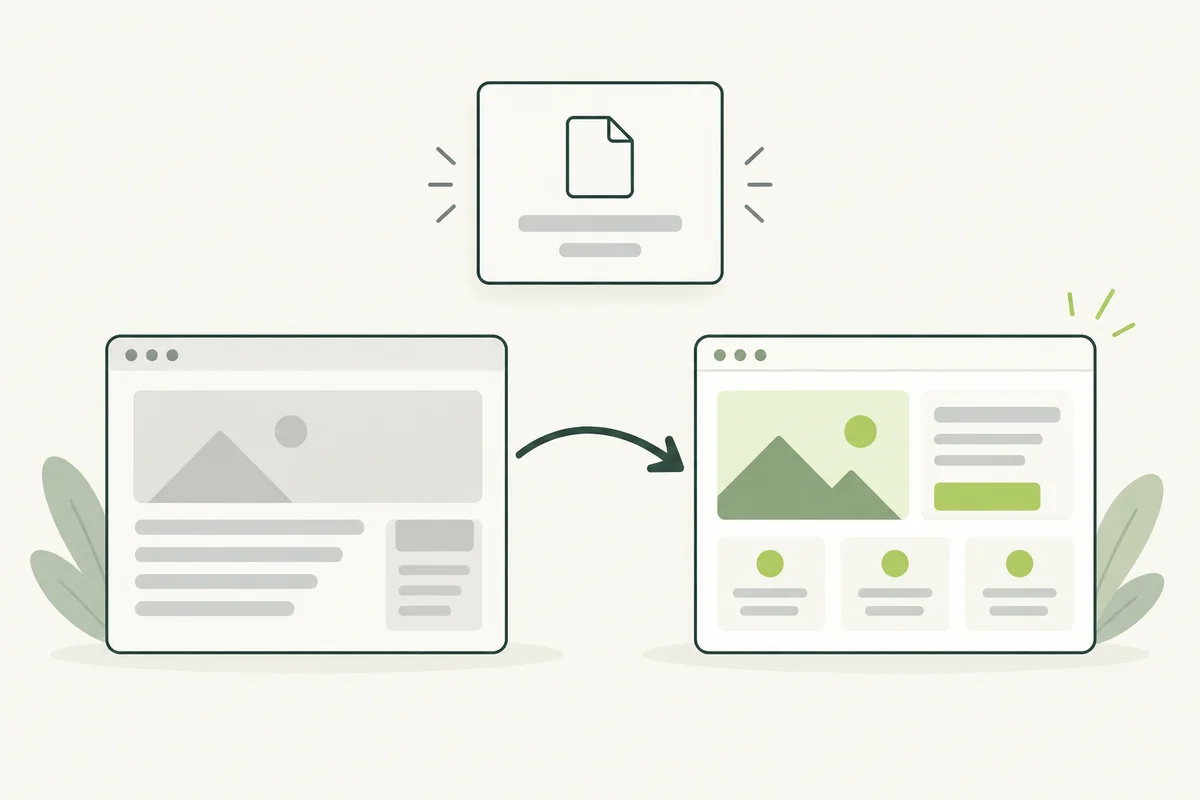
A new design may look ready, but old links still need somewhere to go. Customers can arrive through bookmarks, search results or another website long after you change a page address. Plan those journeys before launching the redesign.
Start before launch. It is easier to compare the old and new content while both versions are available than to reconstruct the old site after it has been removed.
Build an inventory of old addresses
Gather URLs from the old website, its sitemap, available analytics and Search Console data. Record the subject and purpose of each important page. Traffic is useful for prioritising checks, but low traffic alone does not establish that a page has no value.
Add a proposed action and destination to each row. Give unclear cases to someone who knows the business rather than automatically assigning them to the homepage.
Match the replacement to the original purpose
A permanent move to an equivalent page generally calls for a permanent server-side redirect. For example, a company moving its office-cleaning service page to a new address should connect the old service URL directly to that replacement.
If several older pages have actually been consolidated into one useful resource, review whether that resource fulfils their purpose. A shared keyword in the title is not enough to establish a suitable match.
Handle removed content honestly
When content has been removed and there is no relevant replacement, a 404 or 410 response can be appropriate. Google’s site-move guidance cautions against redirecting many old URLs to an irrelevant destination, such as the homepage.
A helpful error page can offer navigation or a contact route while the server returns the correct status. Ask your developer to verify the response; displaying “not found” text alone does not confirm that the status is correct.
Update the new site’s own references
- Point internal links directly to current destinations.
- Check canonical URLs use the intended live addresses.
- Update the XML sitemap to reflect the new public pages.
- Check images and downloadable resources that also moved.
- Remove preview-only indexing restrictions where public pages should be indexable.
Our guides to canonical URLs and XML sitemaps explain those supporting checks. A redirect list does not replace them.
Test the actual live behaviour
Open representative old addresses after deployment and verify where they lead. Check important URLs individually, and ask the developer to test the full mapping for loops, unnecessary chains and incorrect statuses. Confirm the destination content, not only that a page loads.
Keep the mapping and deployment date outside the public website as a maintenance record. If an enquiry later identifies a broken old link, the record helps determine whether it was missed or intentionally retired.
Review after launch
Monitor reported crawl issues and the performance of important pages. Changes in search visibility can occur during a move, so avoid assuming every fluctuation proves the migration failed. Investigate specific errors and maintain the redirect configuration as part of the website, rather than treating it as a temporary launch file.